image resampling#
KH-9 mapping camera images#
To resample KH-9 Hexagon Mapping Camera images, use either spymicmac.resample.resample_hex() or
resample_hexagon.
This uses the réseau marker locations, along with gdal.Warp(), a thin plate spline transformation, and
bilinear resampling (by default) to warp the image to the grid defined by the réseau markers and the desired scale
(in px/mm):
from spymicmac import resample
resample.resample_hex(fn_img, 70)
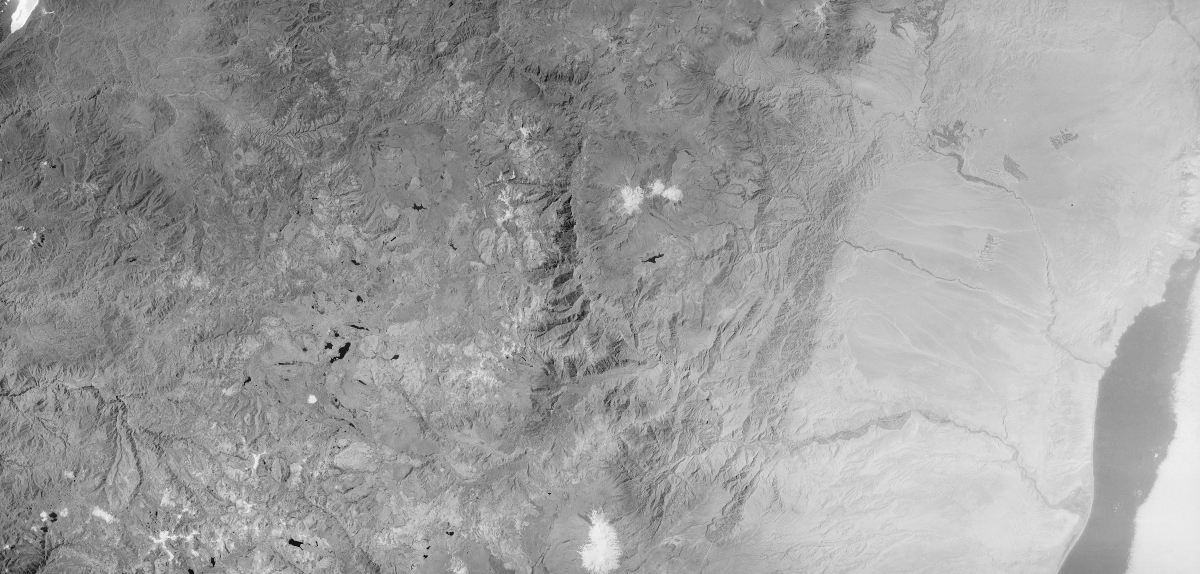
Using a value of 70 (the default used by spymicmac.preprocessing.preprocess_kh9_mc() will resample the images
to approximately 14 microns resolution (0.014 mm/px), creating images that are 32200 x 15400 pixels in size:
panoramic camera images#
To resample panoramic camera images (e.g., KH-4/A/B or KH-9), use spymicmac.resample.crop_panoramic():
from spymicmac import resample
resample.crop_panoramic(fn_img, 'KH4')
This function first attempts to rotate the image by finding the horizontal rail markers or pseudofiducial markers (if
they exist). Then, it uses spymicmac.image.get_rough_frame()
Then, the (rough) image border is detected, using spymicmac.image.get_rough_frame():

the image is then cropped to this border and, optionally, re-sampled to a smaller size:

aerial images#
using mm3d ReSampFid#
After you have found each of the fiducial marks in each image and generated a MeasuresIm file for each image, either by
hand or using mm3d Kugelhupf, you can run ReSampFid:
*****************************
*  Help for Elise Arg main  *
*****************************
Mandatory unnamed args :
  * string :: {Pattern image}
  * REAL :: {Resolution of scan, mm/pix}
Named args :
  * [Name=BoxCh] Box2dr :: {Box in Chambre (generally in mm, [xmin,ymin,xmax,ymax])}
  * [Name=Kern] INT :: {Kernel of interpol,0 Bilin, 1 Bicub, other SinC (fix size of apodisation window), Def=5}
  * [Name=AttrMasq] string :: {Atribut for masq toto-> toto_AttrMasq.tif, NONE if unused, Def=NONE}
  * [Name=ExpAff] bool :: {Export the affine transformation}
For example, to re-sample the images to 14 microns (0.014 mm per pixel):
mm3d ReSampFid "AR5.*tif" 0.014
The re-sampled images will have OIS-Reech_ appended to the filename, e.g.:
AR5840034159994.tif -> OIS-Reech_AR5840034159994.tif
These are the images that you will use for the remaining steps - you might want to create a new folder to place the original images.
using resample_fiducials#
Alternatively, you can use spymicmac.resample.resample_fiducials(), which computes a transformation between
the fiducial marker locations defined in MeasuresCamera.xml and the locations identified in the image to warp
the image:
from spymicmac import resample
from skimage.transform import AffineTransform
resample.resample_fiducials(fn_img, 70, transform=AffineTransform())
By default, spymicmac.resample.resample_fiducials() uses an affine transformation, but any
skimage.transform
transformation will work.
Using the nproc argument, it is also possible to process multiple images at once using multiprocessing.