radiometric pre-processing#
It may be worthwhile to perform some different pre-processing steps on scanned historic air images. For example, it can help remove artefacts or increase contrast in images, in order to help improve both the visual results, as well as the correlation and DEM extraction.
image de-striping#
Occasionally, scanned images will have artefacts, such as the prominent striping shown here:
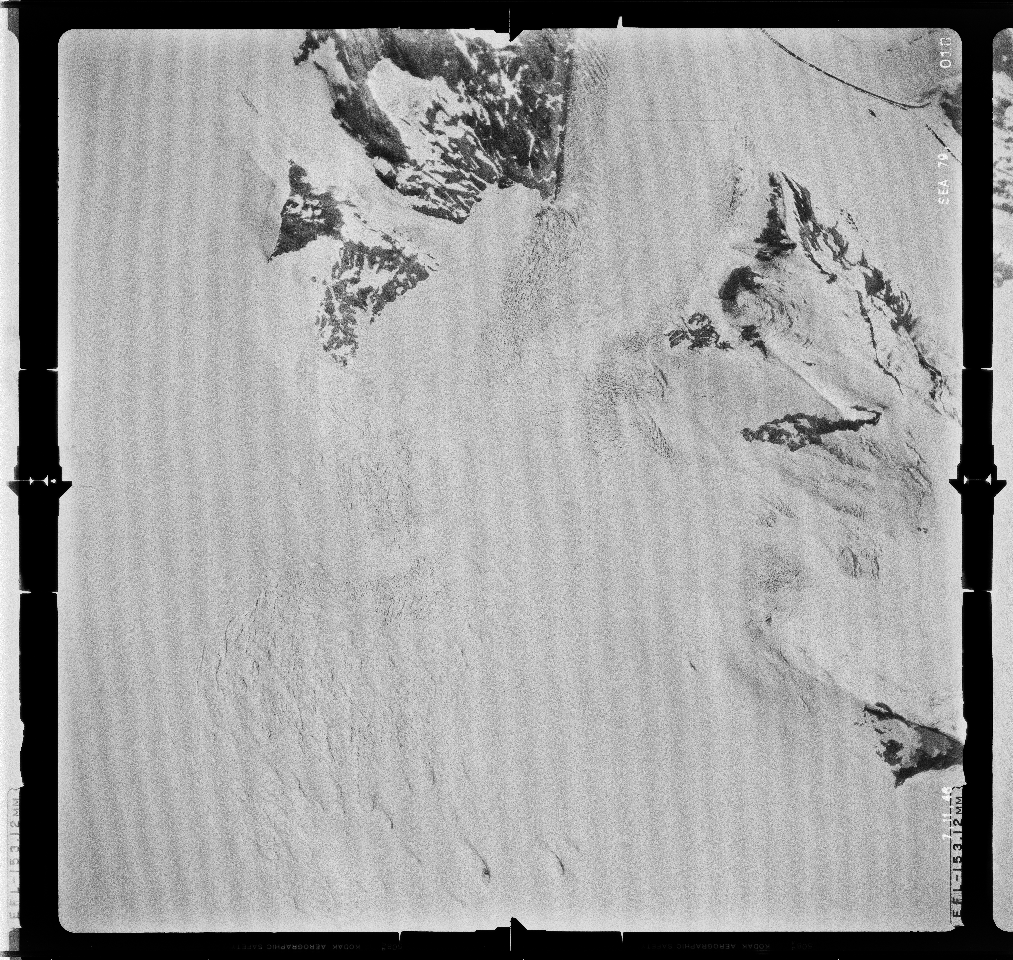
The spymicmac.image() function spymicmac.image.remove_scanner_stripes(), based
on a technique described in [Crippen1989]
(pdf), can be used to remove
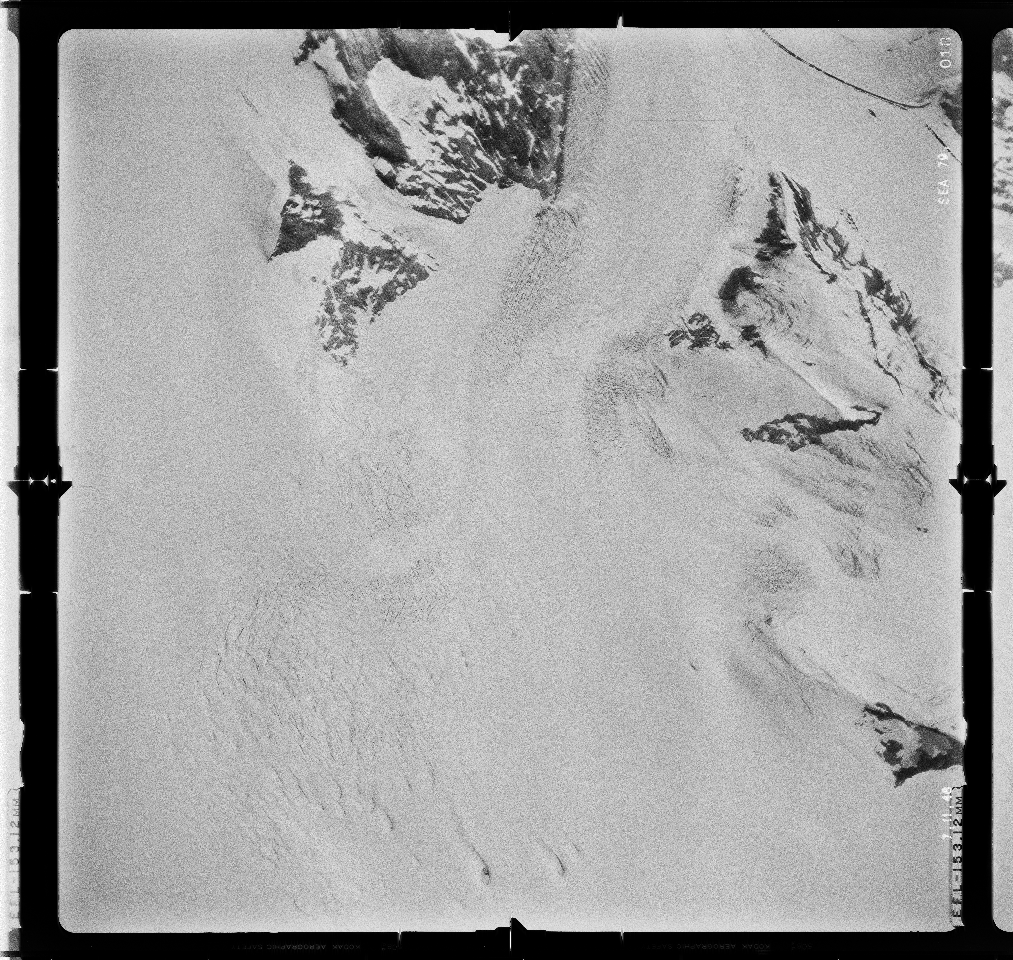
these stripes - note the use of scan_axis=1 to indicate a scan from left to right, rather than top to bottom:
from spymicmac.image import remove_scanner_stripes
filtered = remove_scanner_stripes(img, scan_axis=1)
The result shows a significant reduction in the striping:
contrast enhancement#
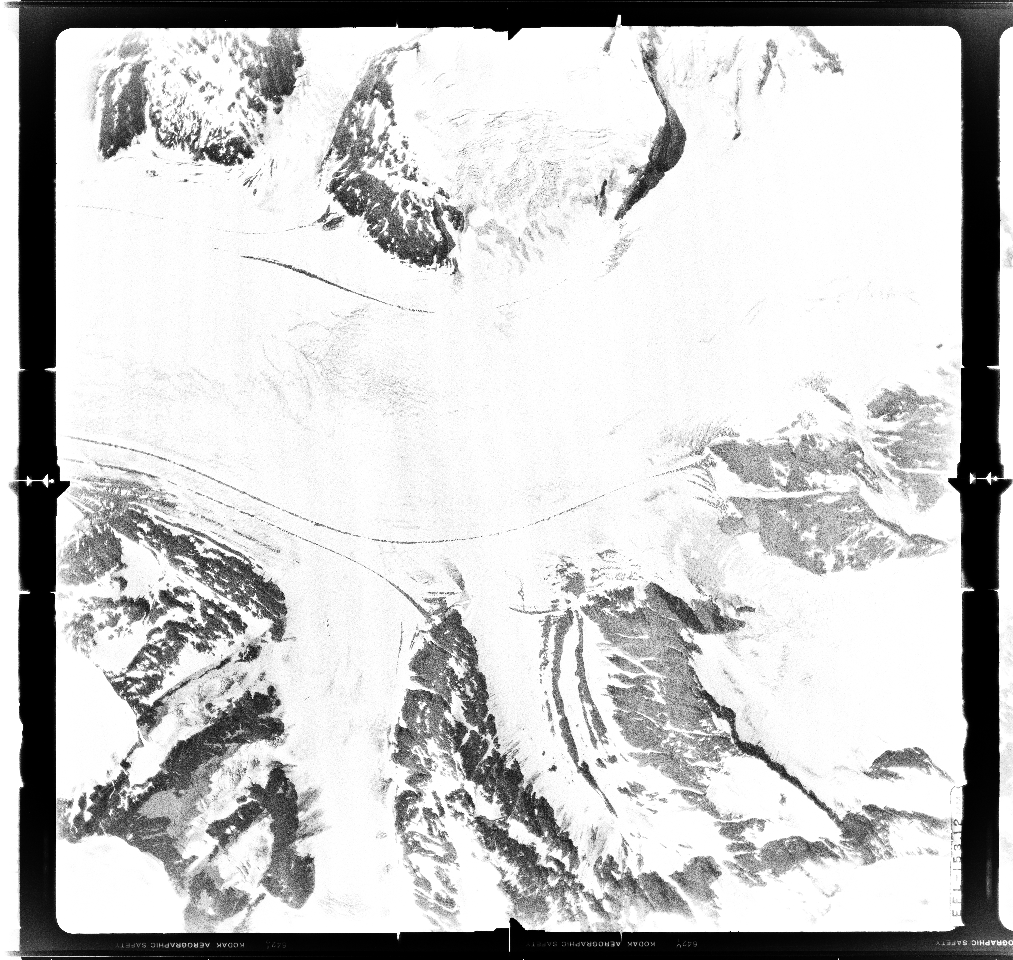
Another common issue with scanned aerial images is that they can have inconsistent brightness between different images:
spymicmac has two main functions available for enhancing contrast: spymicmac.image.stretch_image()
and spymicmac.image.contrast_enhance().
stretch_image performs a linear contrast stretch on the image to a given
quantile, while contrast_enhance performs a median filter to de-noise,
before calling stretch_image and performing a gamma adjustment on the
stretched image.
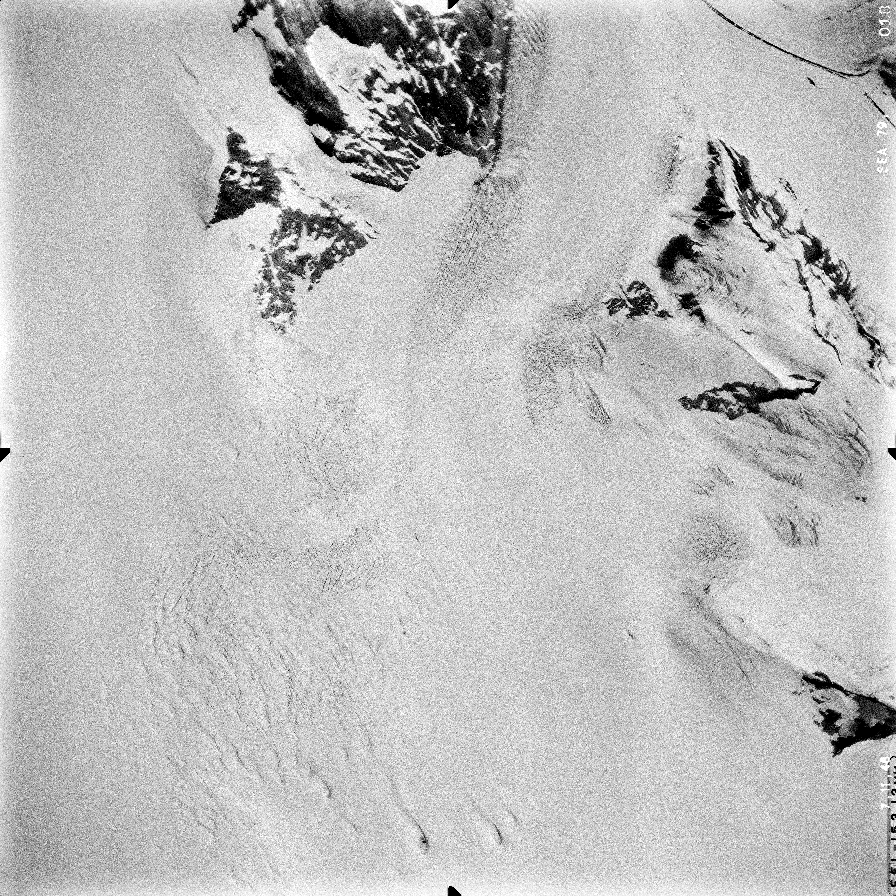
For the image on the left above, here is the result of applying stretch_image
clipped to (0.01, 0.99) - that is, 1% and 99% of the image values:
And here is the result using contrast_enhance (note that this also
enhances the residual striping that was not corrected earlier):
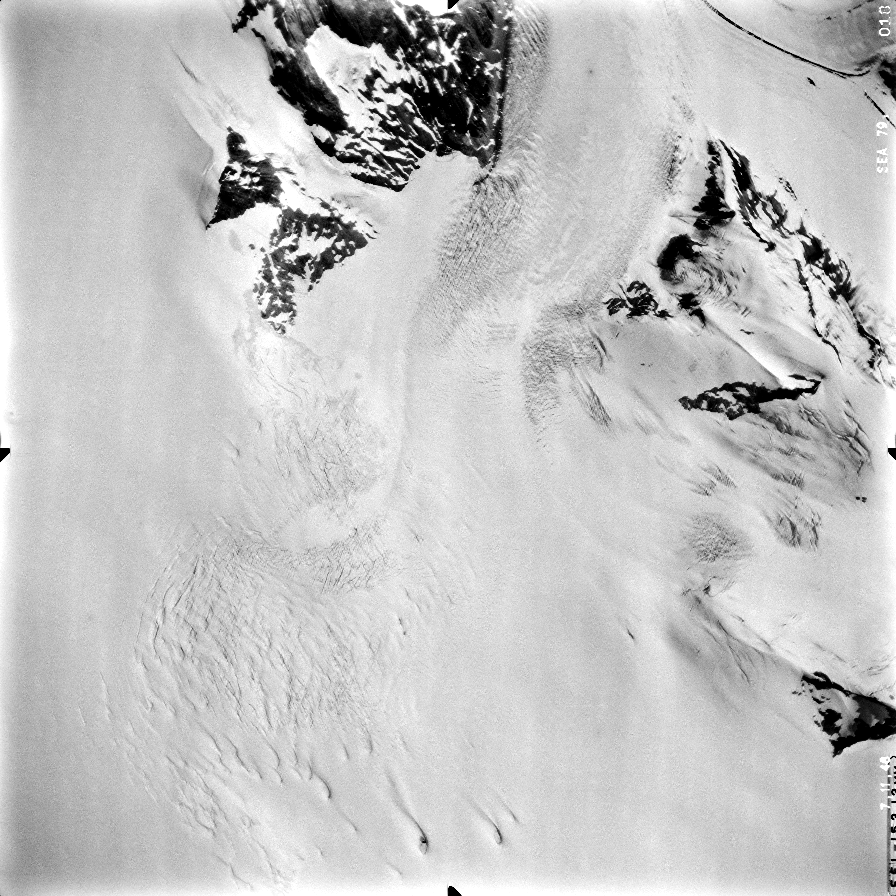
Different images/surveys may require different levels of contrast enhancement - for example, it may not be
advisable to perform this kind of contrast enhancement on images that are mostly bright snow, as this will
primarily enhance noise in the image.
de-noising#
In many cases, there may also be some noise in the images - this can be seen above, for example. One way to reduce
this noise is to use a median filter,
similar to what is done in spymicmac.image.contrast_enhance():
from skimage.filters import median
from skimage.morphology import disk
filtered = median(img, selem=disk(3))
Here, a smaller filter (max size 3x3) will help to remove the salt-and-pepper noise, while preserving most of the features.
Crippen, R. E. (1989) “A simple spatial filtering routine for the cosmetic removal of scan-line noise from Landsat TM P-tape imagery.” Photogrammetric Engineering & Remote Sensing, 55(3):327–31