joining image scans#
Because of the large size of the film, USGS scans declassified satellite images in two or more pieces with a small amount of overlap, as shown in the example below:
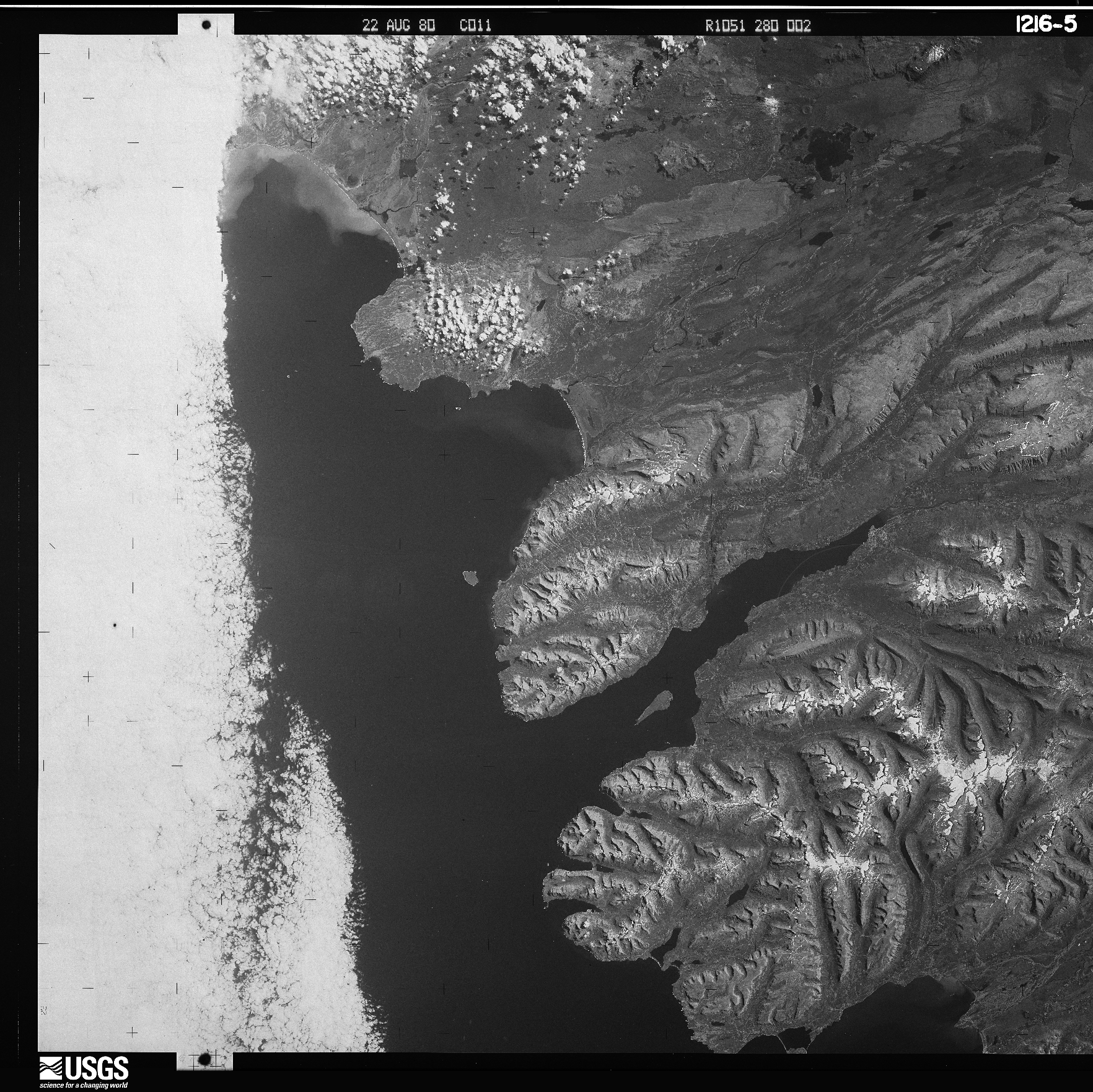
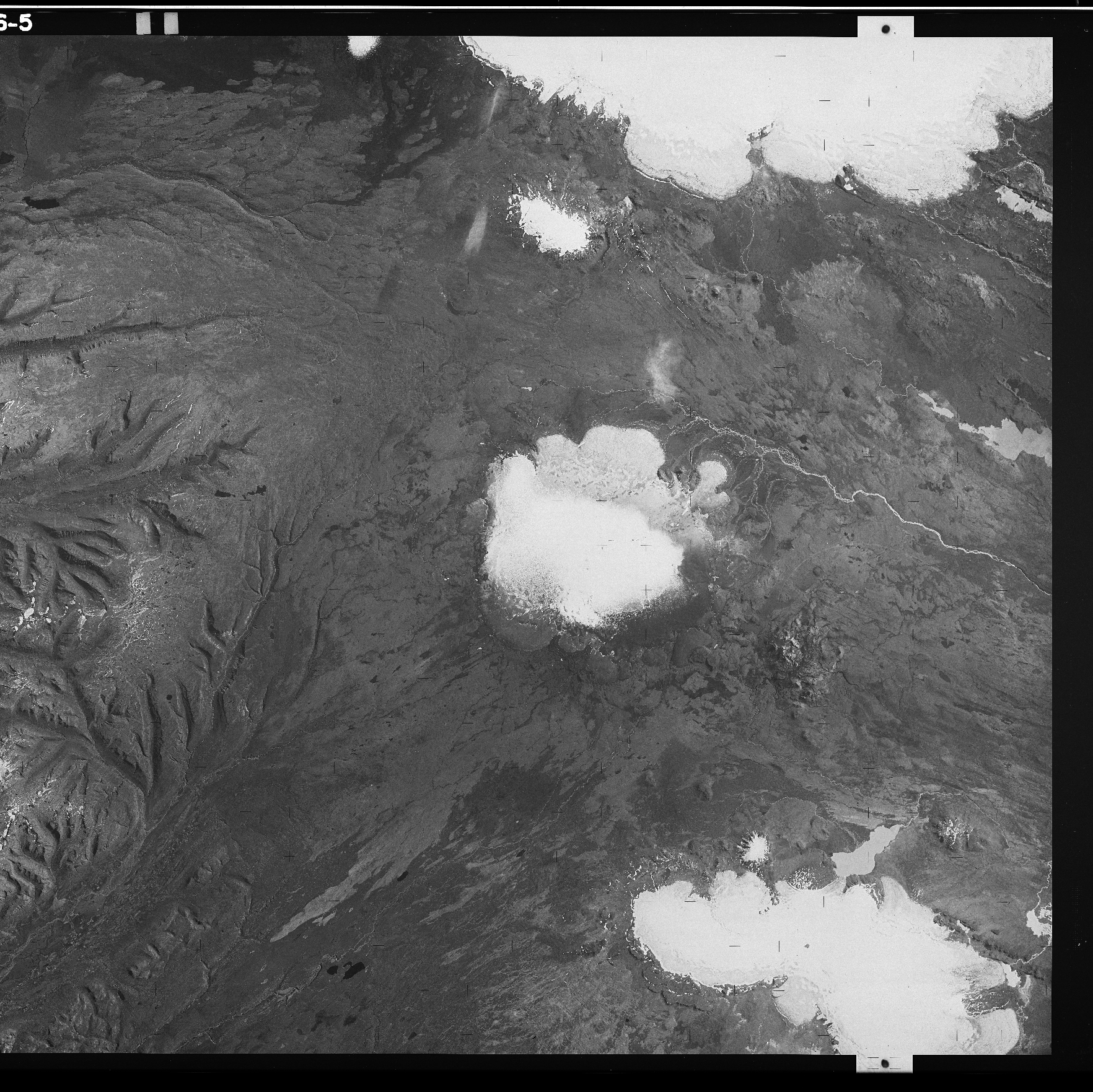
In spymicmac, the function to join the images is spymicmac.image.join_hexagon(), with a corresponding
command-line tool join_hexagon.
Normally, the scans are labelled ‘a’ and ‘b’, with ‘a’ corresponding to the left-hand scan, and ‘b’ corresponding to
the right-hand scan. This is what spymicmac.image.join_hexagon() is expecting - that the overlap between the
two halves is the right-hand side of image ‘a’, and the left-hand side of image ‘b’.
After calling spymicmac.image.join_hexagon(), the image should look something like this:
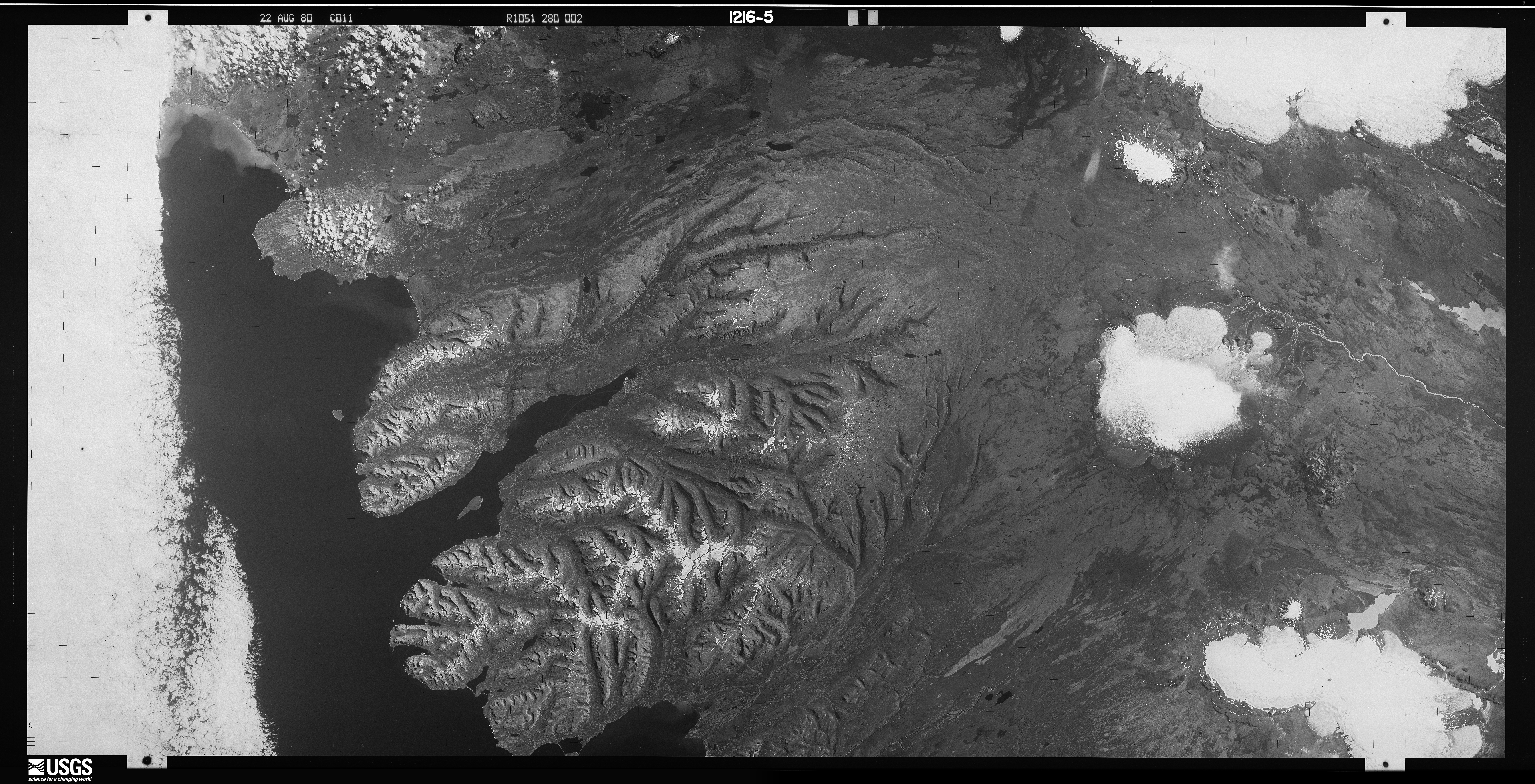
As there is sometimes a difference in brightness between the two halves, spymicmac.image.join_hexagon()
has the option to blend the two halves over the overlap by averaging the values from the two halves, starting from
100% of the value of image ‘a’, linearly increasing to 100% of the value of image ‘b’ at the end of the
overlapping part.
Once you have joined the image scans together, you can move on to finding the réseau marks (or the image border, if using panoramic images), to be able to resample the images to a consistent geometry.